Secret Santa Message Templates: Invites, Reminders & More
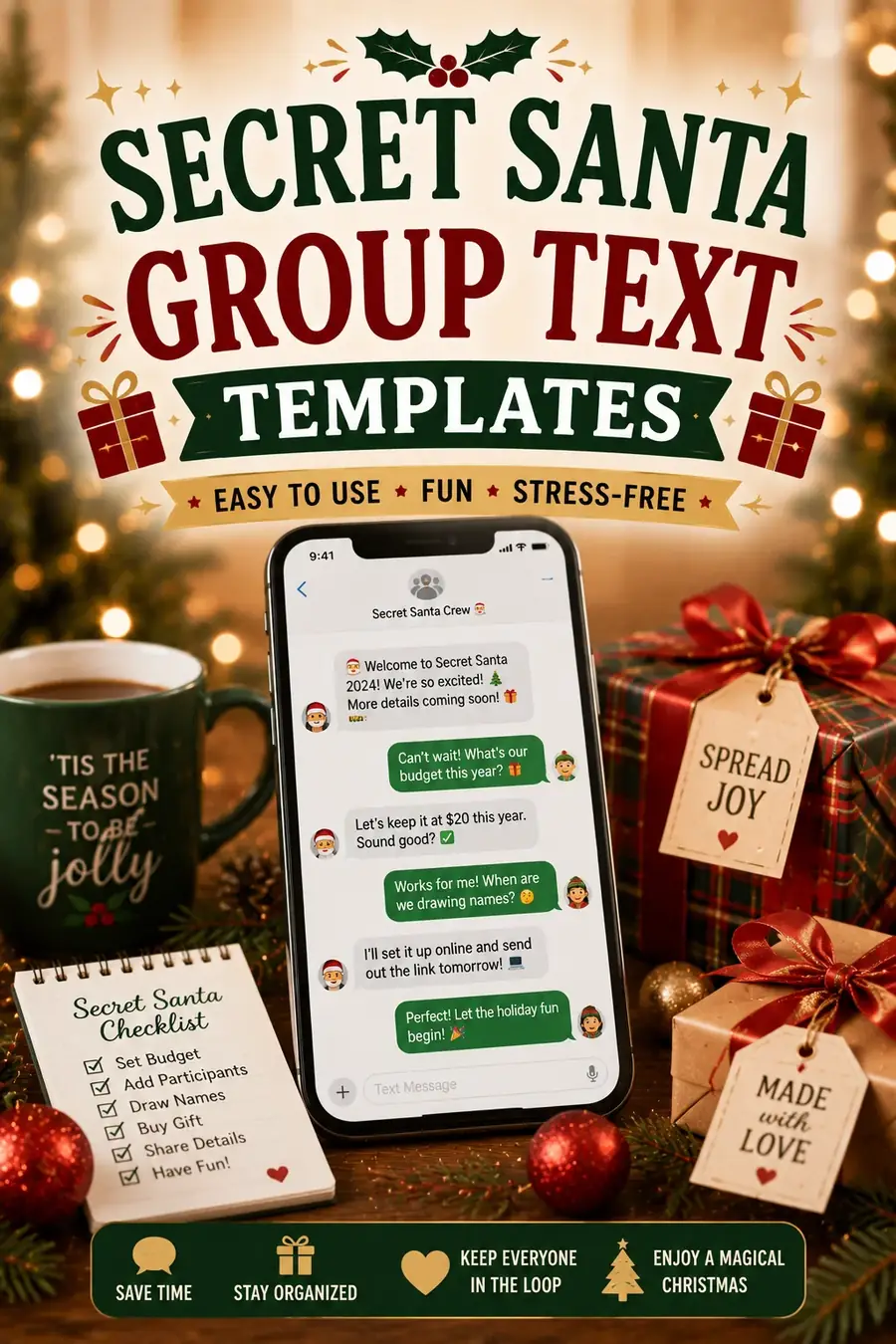
Organizing a gift exchange gets a lot easier when you do not have to write every note from scratch. These secret santa message templates cover every message you will need to send — from the first sign-up invite to the final thank-you — so you can copy, paste, swap in a few [brackets], and hit send. No blank-page staring, no wondering how to word the budget rules, no forgetting to remind people before the deadline.
Every template below comes in a casual version for friends and family and a professional version for office groups. The details you fill in — names, dates, and dollar amounts — are marked with [brackets] so you can move fast. And if you would rather skip the manual work entirely, the free generator draws names and emails each person their assignment automatically.
The Invitation / Sign-Up Message
This is the first message that gets people excited and tells them how to join. Keep it short, warm, and clear about the deadline to sign up.
Casual:
🎅 Secret Santa time! We are doing a gift exchange this year with a [$25] budget. If you want in, reply by [date] and I will draw names. It is going to be fun — hope you are joining!
Professional (office):
Hi team — we are organizing an office Secret Santa this holiday season. Participation is completely optional and open to everyone. If you would like to join, please add your name by [date]. The gift budget is [$20], and we will exchange gifts on [date] at [location/time]. Reply here or sign up at [link] to take part.
Quick and casual:
Doing Secret Santa again this year! Budget is [$25], names drawn on [date]. Send me a 👍 if you want to play.
The Rules & Budget Announcement
Once people are in, spell out the ground rules so there are no surprises. A clear budget prevents the awkward mismatch of a [$5] gift next to a [$50] one, and stating the key dates up front means you will not be chasing people down later. Pin this message somewhere everyone can find it — a group chat, an email thread, or a shared doc — so no one has to ask you twice.
Casual:
Here is the plan for our Secret Santa 🎁
• Budget: [$25] (a few dollars over or under is totally fine)
• Names drawn: [date]
• Gifts exchanged: [date] at [location]
• Keep it a secret until the big reveal!
Any questions, just ask.
Professional (office):
A few guidelines for our Secret Santa exchange:
• Spending limit: [$20] per gift
• Assignments will be sent by [date]
• Gifts exchanged on [date] at [location/time]
• Please keep gifts workplace-appropriate
• Note any preferences on your wishlist
Thank you for participating!
The "Here's Who You Got" Assignment Message
This is the message that tells each person who they are buying for — and it has to stay private. Sending these one by one is where a lot of organizers slip up, because a single reply-all can spoil the whole thing. The generator sends each assignment as a private email automatically, so no one sees anyone else's match. If you are doing it by hand, here is the wording.
Casual:
🤫 Your Secret Santa assignment is here! You are buying for: [name]. Budget is [$25], and gifts are due by [date]. Keep it secret! Their wishlist is here: [link].
Professional (office):
Hello [name], your Secret Santa match has been assigned. You will be gifting: [recipient name]. Please keep this confidential. The budget is [$20], and gifts should be ready by [date]. You can view their preferences here: [link]. Happy shopping!
Wishlist Request Message
A good wishlist turns a stressful shopping trip into an easy one. Ask everyone for a few ideas so their gifter is not guessing in the dark.
Casual:
Help your Secret Santa out! 🎁 Send me [3-5] things you would love — sizes, favorite stores, hobbies, or a link or two. The more specific, the better the gift. Get it to me by [date]!
Professional (office):
To help your gift-giver choose something you will enjoy, please submit a short wishlist by [date]. Include a few ideas across different price points, along with any sizes, colors, or preferences. Wishlists keep gifts thoughtful and take the guesswork out of shopping.
Quick and casual:
Quick favor — send me [3] gift ideas so your Secret Santa is not shopping blind. Links welcome!
Reminder Messages (Buy Your Gift / Deadline)
People are busy, and the gift deadline sneaks up fast. A friendly nudge a week out, plus a last call the day before, keeps everyone on track without feeling naggy. The trick is to make reminders easy to act on: include the deadline, a wishlist link, and a warm tone so it reads as helpful rather than pushy.
Gentle reminder (a week out):
Friendly reminder 🎄 Secret Santa gifts are due [date] — that is [X days] away! If you have not grabbed yours yet, now is a great time. Your person's wishlist is here: [link].
Last call (day before):
⏰ Last call! Secret Santa gifts are due [tomorrow/date]. Please have yours wrapped and ready for the exchange on [date]. Stuck on ideas? Reach out — happy to help.
Professional (office):
A quick reminder that Secret Santa gifts are due by [date]. Please make sure your gift is wrapped and labeled with your recipient's name. If you are no longer able to participate, let me know as soon as possible so we can adjust the draw. Thank you!
The Reveal / Day-Of Message
The big day is here. This message gets everyone in the same place with their gifts, ready for the fun part — finding out who had who.
Casual:
The day is here! 🎉 Bring your wrapped gift to [location] at [time]. We will open them together and finally find out who had who. See you there!
Professional (office):
Today is the day! Please bring your labeled gift to [location] by [time]. We will exchange gifts and reveal our Secret Santas together. Looking forward to seeing everyone there.
The reveal itself:
Drumroll... [name], your Secret Santa was [name]! 🎅 Hope your gift put a smile on your face.
Thank-You / Wrap-Up Message
A short thank-you at the end leaves everyone feeling good and makes people eager to join again next year. It costs you two minutes and it is the message people remember most, because it lands after the fun is over and the room is warm. Send one to the whole group, and encourage a quick note to individual gifters too — a specific line about the actual gift always beats a generic thanks.
Casual (to the group):
Thank you all for making Secret Santa so much fun this year! 🎁 The gifts were thoughtful, the reveals were great, and I am so glad we did it. Until next year — happy holidays! ❤️
Professional (to the group):
Thank you to everyone who took part in this year's Secret Santa. Your thoughtfulness and generosity made it a wonderful event. Wishing you all a happy and restful holiday season. See you next year!
To your own Secret Santa:
Thank you so much for my gift, [Secret Santa name]! [The item] was perfect — you clearly paid attention. Happy holidays! 🎄
However your group likes to celebrate, these templates take the busywork out of organizing so you can focus on the fun part. Copy the ones you need, fill in the [brackets], and let the gifting begin. And if you want the assignments handled for you — names drawn, private emails sent, secrets kept — start your exchange here. Happy organizing, and happy holidays.
Frequently Asked Questions
How do I announce a Secret Santa at work?
Send a short, friendly message that says participation is optional, states the budget and key dates, and gives a simple way to sign up by a deadline. Use the professional Invitation template above, swap in your [details], and post it wherever your team communicates.
What should a Secret Santa reminder message say?
Keep it brief and specific: the deadline date, how many days are left, and a link to the recipient's wishlist. Send one gentle reminder about a week out and a firmer last call the day before, so no one is caught off guard.
How do I send Secret Santa assignments without spoiling the secret?
Send each person their match privately, never in a group thread where a reply-all could reveal everyone. The easiest way is to let the generator email each assignment automatically, so no one — including you — has to keep track of who has who.
Do I need to include a budget in my Secret Santa message?
Yes. A clear spending limit is the single most useful detail you can include, because it keeps gifts fair and takes the pressure off. State it in your invitation and repeat it in the rules and assignment messages so no one misses it.